
現在の案件でOpenShiftを導入することになったのでプライベート端末で手軽にOpenShift環境を構築するため、OpenShift Localを試してみた。
OpenShift Localはその昔、CRC(CodeReady Containers)という名称だった模様。
ちなみに、SNOでのインストールに挫折したことはナイショのハナシ。
インストール要件
OS
- Windows
- Mac
- Linux
リソース
- 物理CPUコア数:4
- メモリ:10.5 GB
- ストレージ:35 GB
インストール要件の詳細については次のリンクより確認可能。
https://crc.dev/docs/installing/#minimum-system-requirements
インストーラーの入手
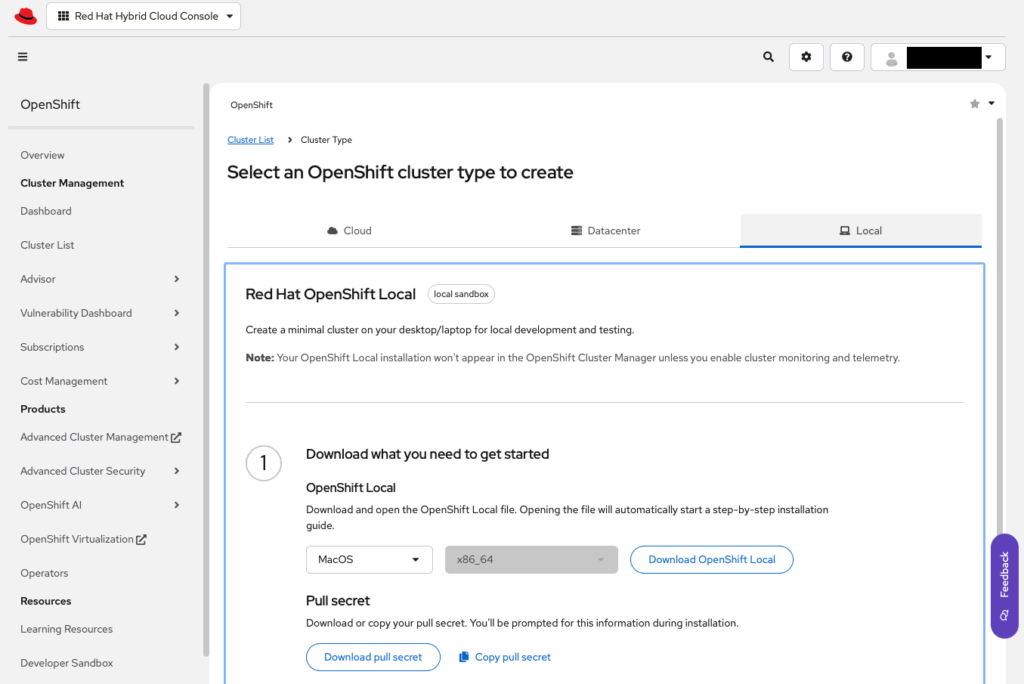
次のリンクよりOS等を指定してダウンロードする。
https://console.redhat.com/openshift/create/local
※このページは再度アクセスするので開いたままにしておくといいカモ。
CRCのインストール
Macの場合、「crc-macos-installer.pkg」というファイルがダウンロードされるので、そちらを実行し、インストーラーのガイドに従って進める。(キャプチャ取り忘れちった)
バージョン確認
次のコマンドを実行するとCRC・OpenShift・MiniShiftのバージョンを確認することができる。
crc versionOre@MacBook-Pro ~ % crc version
CRC version: 2.54.0+5d2dd4
OpenShift version: 4.19.8
MicroShift version: 4.19.7OpenShift Localのインストール
crc versionOre@MacBook-Pro ~ % crc setup
CRC is constantly improving and we would like to know more about usage (more details at https://developers.redhat.com/article/tool-data-collection)
Your preference can be changed manually if desired using 'crc config set consent-telemetry <yes/no>'
Would you like to contribute anonymous usage statistics? [y/N]: y
Thanks for helping us! You can disable telemetry with the command 'crc config set consent-telemetry no'.
INFO Using bundle path /Users/Ore/.crc/cache/crc_vfkit_4.19.8_arm64.crcbundle
INFO Checking if running macOS version >= 13.x
INFO Checking if running as non-root
INFO Checking if crc-admin-helper executable is cached
INFO Checking if running on a supported CPU architecture
INFO Checking if crc executable symlink exists
INFO Creating symlink for crc executable
INFO Checking minimum RAM requirements
INFO Check if Podman binary exists in: /Users/Ore/.crc/bin/oc
INFO Checking if running emulated on Apple silicon
INFO Checking if vfkit is installed
INFO Checking if CRC bundle is extracted in '$HOME/.crc'
INFO Checking if /Users/Ore/.crc/cache/crc_vfkit_4.19.8_arm64.crcbundle exists
INFO Getting bundle for the CRC executable
INFO Downloading bundle: /Users/Ore/.crc/cache/crc_vfkit_4.19.8_arm64.crcbundle...
5.82 GiB / 5.82 GiB [---------------------------------------] 100.00% 1.11 MiB/s
INFO Uncompressing /Users/Ore/.crc/cache/crc_vfkit_4.19.8_arm64.crcbundle
crc.img: 31.00 GiB / 31.00 GiB [--------------------------------------] 100.00%
oc: 138.85 MiB / 138.85 MiB [-----------------------------------------] 100.00%
INFO Checking if old launchd config for tray and/or daemon exists
INFO Checking if crc daemon plist file is present and loaded
INFO Adding crc daemon plist file and loading it
INFO Checking SSH port availability
Your system is correctly setup for using CRC. Use 'crc start' to start the instanceOpenShift Localを起動
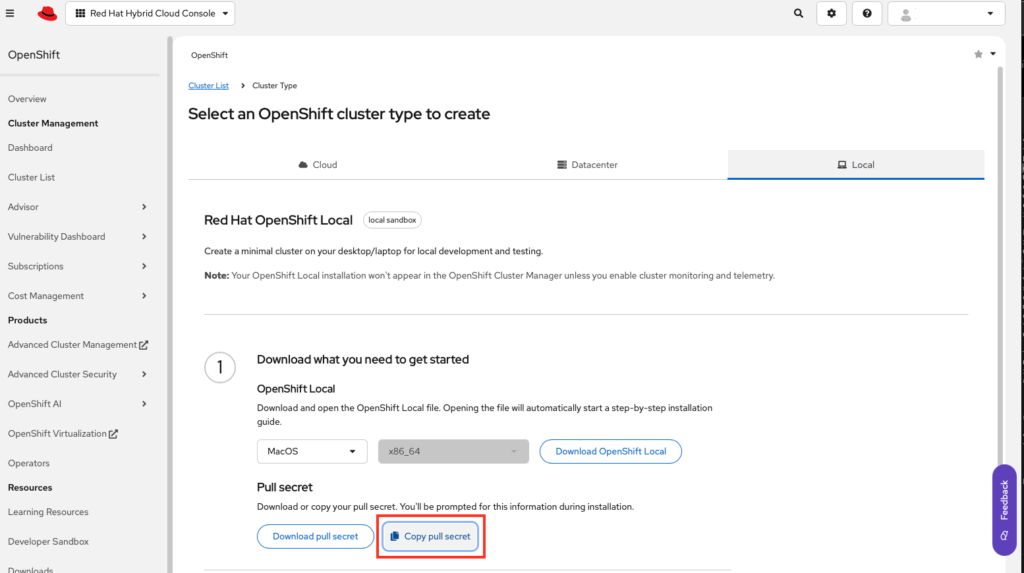
crc startcrc start実行後、プルシークレットを聞かれるので、インストーラーを入手したときのページにアクセスし、プルシークレットをコピーしてそれをターミナルに貼り付ける。
Ore@MacBook-Pro ~ % crc start
INFO Using bundle path /Users/Ore/.crc/cache/crc_vfkit_4.19.8_arm64.crcbundle
INFO Checking if running macOS version >= 13.x
INFO Checking if running as non-root
INFO Checking if crc-admin-helper executable is cached
INFO Checking if running on a supported CPU architecture
INFO Checking if crc executable symlink exists
INFO Checking minimum RAM requirements
INFO Check if Podman binary exists in: /Users/Ore/.crc/bin/oc
INFO Checking if running emulated on Apple silicon
INFO Checking if vfkit is installed
INFO Checking if old launchd config for tray and/or daemon exists
INFO Checking if crc daemon plist file is present and loaded
INFO Checking SSH port availability
INFO Loading bundle: crc_vfkit_4.19.8_arm64...
CRC requires a pull secret to download content from Red Hat.
You can copy it from the Pull Secret section of https://console.redhat.com/openshift/create/local.
? Please enter the pull secret ******************************************************************************INFO Creating CRC VM for OpenShift 4.19.8...
INFO Generating new SSH key pair...
INFO Generating new password for the kubeadmin user
INFO Starting CRC VM for openshift 4.19.8...
INFO CRC instance is running with IP 127.0.0.1
INFO CRC VM is running
INFO Updating authorized keys...
INFO Configuring shared directories
INFO Check internal and public DNS query...
INFO Check DNS query from host...
INFO Verifying validity of the kubelet certificates...
INFO Starting kubelet service
INFO Waiting for kube-apiserver availability... [takes around 2min]
INFO Adding user's pull secret to the cluster...
INFO Updating SSH key to machine config resource...
INFO Waiting until the user's pull secret is written to the instance disk...
INFO Overriding password for developer user
INFO Changing the password for the users
INFO Updating cluster ID...
INFO Updating root CA cert to admin-kubeconfig-client-ca configmap...
INFO Starting openshift instance... [waiting for the cluster to stabilize]
INFO 4 operators are progressing: authentication, console, network, openshift-controller-manager
INFO All operators are available. Ensuring stability...
INFO Operators are stable (2/3)...
INFO Operators are stable (3/3)...
INFO Adding crc-admin and crc-developer contexts to kubeconfig...
Started the OpenShift cluster.

The server is accessible via web console at:
  https://console-openshift-console.apps-crc.testing

Log in as administrator:
  Username: kubeadmin
  Password: *****-*****-*****-*****

Log in as user:
  Username: developer
  Password: developer

Use the 'oc' command line interface:
  $ eval $(crc oc-env)
$ oc login -u developer https://api.crc.testing:6443起動に成功すると実行結果の末尾にコンソールURLやログイン情報が表示される。
Webコンソールにアクセスしてみる
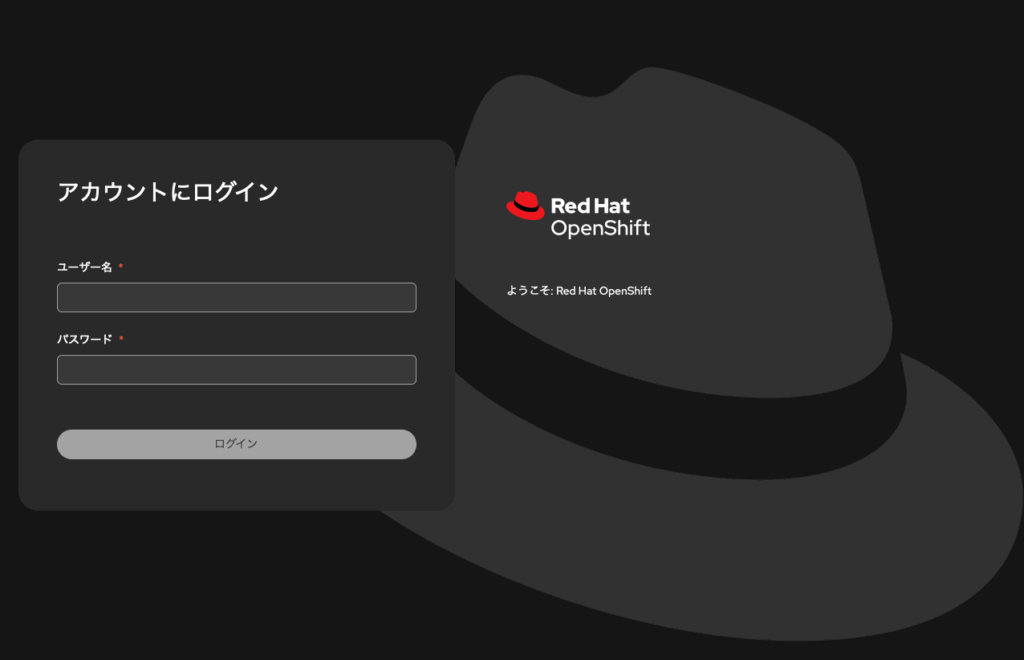
ログイン画面、めちゃカッコいい…
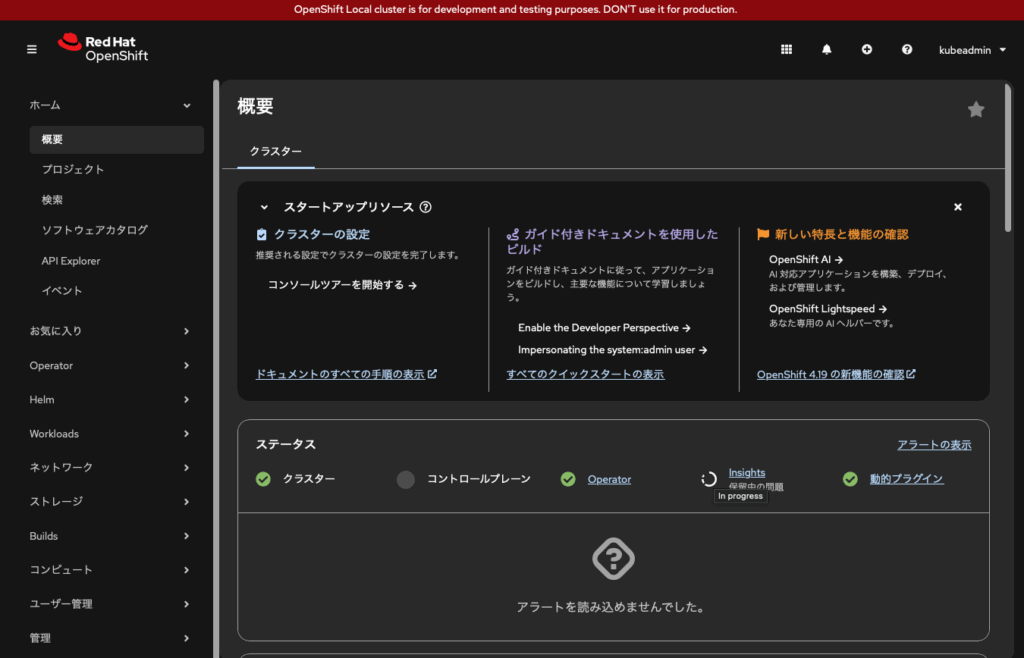
ログイン後もカッコいい…
終わりに
以上、OpenShift Localをインストールしてみたという内容でした。
OpenShift Localではバージョンアップができないみたいです。
どうしてもバージョンアップしたい場合はアンインストールしてから再度インストールする必要があるとのことでした。
何かあればコメントでご指摘ください。
コメント